

For public figures, executives and well-known families, home is where privacy matters most. Yet it is often the easiest place for strangers, fans or criminals to find. A home address can show up in public records, photos or social media posts. Privacy for high-profile families takes more than a good lock. It takes a plan that covers people, information and technology. This guide explains the main steps families use to protect their privacy at home.
Key Takeaways
- Privacy for high-profile families starts with finding out what’s already public about you online.
- Control who has your address, and pay attention to what packages and mail give away.
- Screen everyone who comes into the home, from staff to contractors. It’s a basic part of home privacy protection.
- Lock down smart devices and post travel photos after you’re back. Both are simple executive home security habits.
Book a Consultation Now
Why Privacy Is a Security Issue
Privacy and safety go hand in hand. If someone knows where you live, when you travel or who works for you, they have what they need to cause harm. Many security problems begin with information, not with a broken window.
For high-profile families, risks can include:
- Unwanted visitors or stalkers
- Burglary while the family is away
- Paparazzi or drone photos
- Identity theft and fraud
- Threats to children
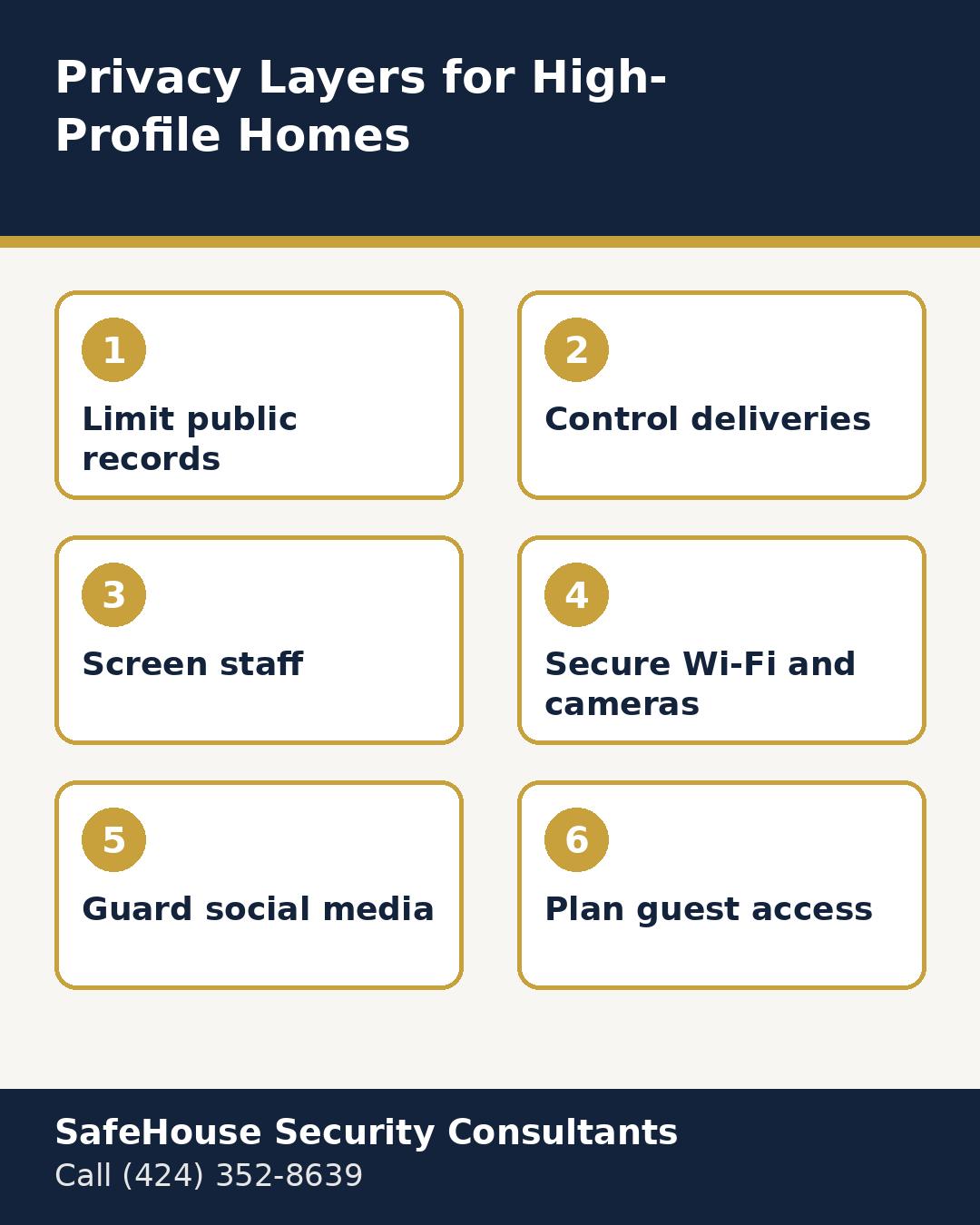
Step 1: Reduce Your Public Footprint
Start by finding out what is already public. Property records, business filings, voter records and people-search sites may list your address. Some families hold property through a trust or LLC, which can make the owner’s name less visible. An attorney can explain what options are available in your state.
People-search sites often allow removal requests. This takes time, and listings can return, so it helps to check again every few months.
Step 2: Control Deliveries and Mail
Packages and mail can reveal your name and address to many people. Some families use a private mailbox, a separate delivery address or a staff member who receives packages at a gate. Ask delivery drivers to leave items in a set place out of public view.
Step 3: Screen Everyone Who Enters
Nannies, housekeepers, drivers, contractors and even repair crews see the inside of your home. Background checks, reference checks and clear privacy agreements help protect your family. Limit access codes and keys to people who truly need them, and change them when staff leave.
Step 4: Secure Cameras, Wi-Fi and Smart Devices
Smart cameras can make a home safer. But they can leak data if set up poorly. Use strong, unique passwords and two-factor sign-in. Keep software up to date. Place a guest Wi-Fi network away from your main network. Check where camera footage is stored and who can view it.
Step 5: Guard Social Media
Photos can show more than you think. Think house numbers, street signs, window views and school logos. Many families post travel photos after they return home instead of while they are away. Teach children and staff the same rules.
Step 6: Plan for Guests and Events
Parties and gatherings bring many people into your home. A guest list, controlled parking, staff at the door and a no-photos policy in private areas can help.
| Privacy layer | Example steps |
|---|---|
| Public records | Trust ownership, removal requests |
| Deliveries | Private mailbox, gate drop-off |
| Staff | Background checks, privacy agreements |
| Technology | Strong passwords, separate networks |
| Social media | Delayed posting, no house details |
| Events | Guest lists, photo rules |
The Role of Physical Security
Privacy works best alongside strong physical security. Gates, lighting, landscaping that does not create hiding spots, solid doors and monitored alarms all help. Window film and careful landscaping can also block views into the home from the street.
Common Privacy Mistakes
- Posting live location updates
- Giving the same gate code to everyone
- Leaving default passwords on cameras
- Skipping background checks for short-term workers
- Forgetting to update access when staff change
When to Bring in a Security Consultant
A security consultant can look at your home, your routines and your public footprint as one picture. They can spot gaps you may not notice and suggest steps that fit your lifestyle. This is often helpful after a move, a rise in public attention or a change in household staff.
A Simple Privacy Routine
Privacy is not a one-time task. Set a reminder every few months to search your name and address online, review who has access codes, update passwords and check camera settings. A short routine like this keeps small gaps from growing into real risks. Families who stick with it often find that privacy becomes a normal habit rather than a constant worry.
Talking With Children About Privacy
Children may not understand why privacy matters. Explain the rules in simple terms. Do not share where you live. Do not post photos of the house. Tell a parent if someone asks odd questions. Practice what to say if a stranger asks about the family.
In Short
Know what is public. Keep your address close. Check who comes in. Lock down your tech. Wait to post. Plan for guests. Review often. Privacy for high-profile families is a habit, not a single fix.
A Quick Example
A family moves to a new home. They put the deed in a trust. They set up a private mailbox. Each worker gets a unique gate code. The cameras get new passwords. The kids learn not to post the house. Small steps. Big results.
Book a Consultation Now
How SafeHouse Can Help
SafeHouse Security Consultants serves greater Los Angeles County, Orange County and nearby areas. With more than 22 years of professional security experience and over 1,500 clients protected, the team offers residential, commercial and virtual security assessments. Each 80+ point assessment includes a detailed report, local crime data analysis and tailored recommendations, and SafeHouse can coordinate the work with more than 10 vetted vendor partners. Contact SafeHouse Security Consultants at (424) 352-8639.
Quick Tips
- Find out what is public.
- Control who gets your address.
- Screen everyone who enters.
- Lock down smart devices.
- Post photos after you return.
Frequently Asked Questions
How do high-profile families keep their address private?
Many use trust ownership, removal requests, private mailboxes and careful social media habits.
Do household staff need background checks?
Yes. Background checks and privacy agreements help protect families who rely on staff.
Can smart home devices put privacy at risk?
They can if they use weak passwords or are not updated. Strong settings reduce the risk.
Should families post vacation photos?
It is safer to post after returning home so others do not know the house is empty.
When should a family hire a security consultant?
After a move, a rise in public attention or a change in staff are common times.